PrintPilot: Microsoft Store Deployment (Intune / MDM)
Learn how to deploy PrintPilot across your organization seamlessly using modern management tools like Microsoft Intune (Endpoint Manager) or Winget, instead of traditional GPO.
1. Deployment via Microsoft Intune
Since PrintPilot is officially published on the Microsoft Store, you can deploy it directly through Microsoft Intune without downloading MSI packages.
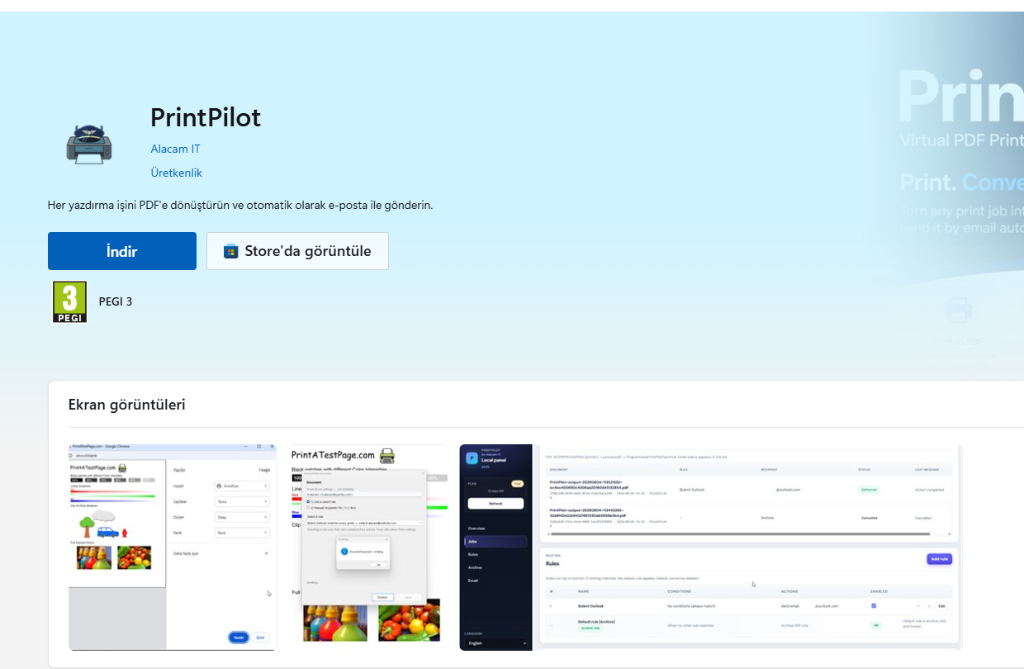
In the Intune admin center, navigate to Apps > Windows > Add > Microsoft Store app (new) and search for 'PrintPilot'. You can then assign it as 'Required' or 'Available' to your device groups. Installation happens silently in the background.
2. Deployment via Winget / RMM
If your organization does not use Intune, you can still deploy the Store version silently using the Windows Package Manager (winget) via your RMM tool or PowerShell scripts.
winget install AlacamIT.PrintPilot --silent --accept-package-agreements
3. Pre-configuring via MDM Policy (Coming Soon)
Unlike traditional MSI deployments (which can use a setup.ini file), Microsoft Store apps run in an isolated modern context. We are currently developing ADMX/OMA-URI support so you can push configuration policies (like auto-login) natively through Intune.