PrintPilot: Installation & Setup
Learn how to install and register PrintPilot. Please make sure to have administrative privileges to install the application.
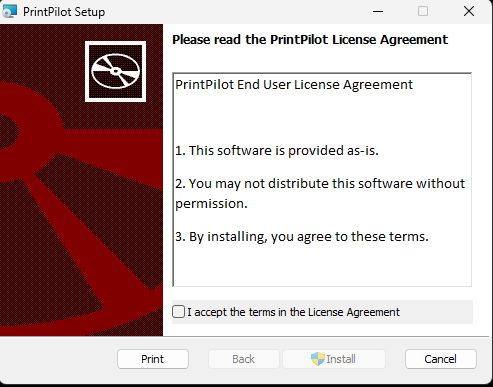
Step 1: License Agreement
Run the PrintPilot installer (.msi or .exe). Read the End User License Agreement carefully. Check the 'I accept the terms in the License Agreement' box and click Install to proceed.
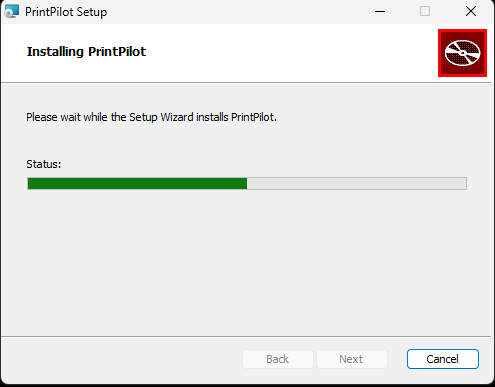
Step 2: Installation Progress
Please wait while the setup wizard installs PrintPilot and registers the necessary virtual printer drivers on your system.
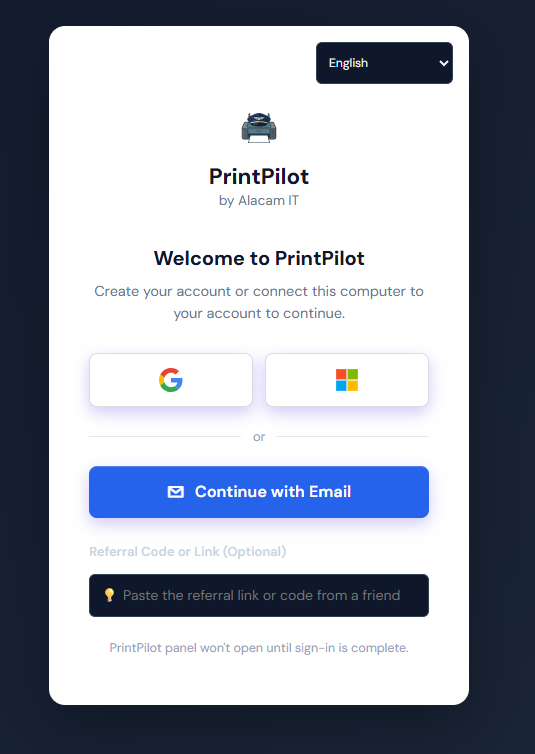
Step 3: Link Your Account
Once the installation completes, the PrintPilot local panel will launch automatically. Connect this computer to your Alacam IT account to start processing documents.